日報を編集する (iOS)
目的
iOS 携帯機器を使用して、プロジェクトの日報ツールの既存のデータを編集します。
考慮すべきこと
- 必須ユーザー権限:
- 完了としてマークされていない日の入力データを編集するには:
- 日報ツールの「管理者」。
- 完了としてマークされていない日の自分の入力データを編集するには:
- 日報で「標準」権限があり、権限テンプレートで「標準ユーザーは自分の入力データを編集および削除できる」のアクセス権限が有効になっていること。
- 承認されていない自分の入力データを編集するには:
- 日報ツールで「読み取り専用」または「標準」の権限があり、権限テンプレートで「協力者データのみ」のアクセス権限が有効になっていること。
- 完了としてマークされていない日の入力データを編集するには:
- 追加情報:
- アセットまたは案件が以前に携帯機器で表示され、キャッシュ済みの場合、このアクションをオフライン モードで実行できます。オフライン モードで実行されたタスクは、ネットワーク接続が再確立されると Procore と同期されます。
ステップ
- iOS 携帯機器を使用して、[日報] ツールに移動します。
- 編集するデータが含まれる日付を選択します。
- 入力データを含む記録をタップします。
- 編集したい入力データをタップします。
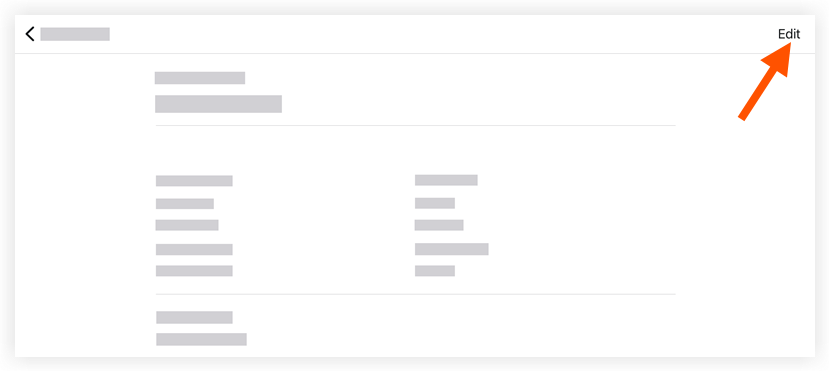
- [ 編集] をタップします。
- 編集したいフィールドをタップして、情報を入力します。
- [保存] をタップします。
If you would like to learn more about Procore's daily log management software and how it can help your business, please visit our construction daily log reporting software product page  .
.
.