

建機データを編集 (iOS)
Note
The (Legacy) Equipment tool was developed specifically for use by Procore customers in Australia and New Zealand. For documentation, visit the  Company Level Equipment page and Project Level Equipment page on the Australia (English) instance of the Procore Support Site.
目的
iOS 携帯機器で、Procore アプリケーションを使用して建機データを編集します。
考慮すべきこと
- 必須ユーザー権限:
- プロジェクトレベルの建機 (レガシー) ツールに対する「管理者」レベルの権限。
注: 「標準」レベルのユーザーは、作成したプラント データを編集できます。
- プロジェクトレベルの建機 (レガシー) ツールに対する「管理者」レベルの権限。
ステップ
- iOS 携帯機器で Procore アプリケーションを使用して、[建機 (レガシー)] ツールに移動します。
- 編集したい建機データをタップします。
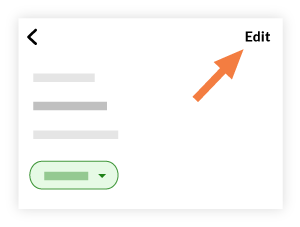
- [編集] をタップします。
- フィールドをタップして、関連情報を編集します。
- [保存] をタップします。