サイトから建機を削除 (iOS)
Note
The (Legacy) Equipment tool was developed specifically for use by Procore customers in Australia and New Zealand. For documentation, visit the  Company Level Equipment page and Project Level Equipment page on the Australia (English) instance of the Procore Support Site.
目的
建機が現場から撤去される日付を記録します。
考慮すべきこと
- 必須ユーザー権限:
- 建機を削除するには、プロジェクトレベルの建機 (レガシー) ツールに対する「管理者」レベルの権限が必要です。
- 追加した建機を削除するには、プロジェクトレベルの建機 (レガシー) ツールに対する「標準」または「管理者」レベルの権限が必要です。
ステップ
- iOS 携帯機器で Procore アプリケーションを使用して、[建機 (レガシー)] ツールに移動します。
- 削除したい建機データをタップします。
- [ サイトから削除] をタップします。
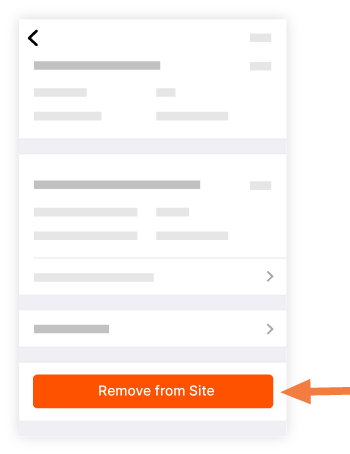
- 削除日を選択します。
- [削除日の更新] をタップします。
これにより、携帯機器の建機リストから建機データが削除され、Web のプロジェクトレベルの建機ツールの建機データに削除日が追加されます。