会議案件を追加する (iOS)
目的
iOS 携帯機器で Procore アプリケーションを使用して会議案件を追加すること。
背景
A Meeting Item (also called an 'agenda item') is a single, distinct topic on a meeting agenda. If you are facilitating a meeting using the Project level Meetings tool, you can add meeting items to any meeting that you create.
考慮すべきこと
- Required User Permissions:
- 'Admin' level permissions on the project's Meetings tool.
OR
- 'Read Only' level permissions or higher on the project's Meetings tool with the 'Manage Meeting Items' granular permission enabled on your permissions template.
- Additional Information:
- You can create meeting categories to organize your meeting items.
- Email notifications are not sent to the assignee of a meeting item. However, the item will appear on their My Open Items list on the project's Home page. See View My Open Items in the Portfolio Tool.
- The 'Meeting Origin' column reflects the 'Meeting #' the item was created in.
-
This action can be performed in offline mode. Tasks performed in offline mode sync with Procore once a network connection is reestablished.
ステップ
- iOS 携帯機器上の Procore アプリケーションを使用して、会議ツールに移動します。
- 案件を追加したい会議をタップします。
- [行を追加] をタップします。
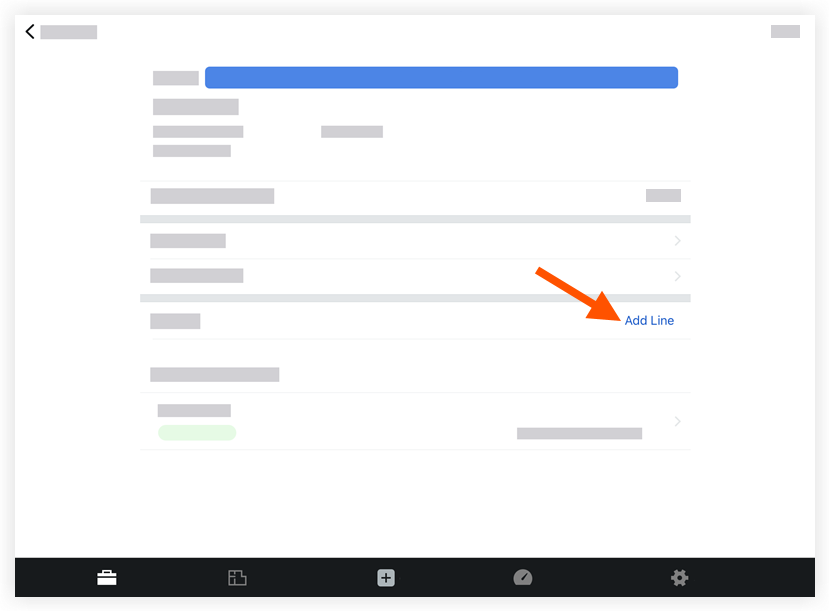
- フィールドをタップして次の情報を入力します。
- タイトル: 新しい業務項目の説明を入力します。
- 期日: カレンダーを使用して案件の期日を設定します。
- ステータス: ステータスを「未着手」、「保留中」、または「終了」に設定すると、責任者がアクションを実行する必要があるかどうかを知ることができます。新しい業務項目の既定の設定は「未着手」です。
- カテゴリ: 業務項目のカテゴリを選択します。このフィールドは、案件を作成したカテゴリの既定、または既定の「未分類」になります。
- 割り当て: 案件の責任を指定する人を選択します。
- 説明: 業務項目の説明を、タイトルよりも詳細に説明します。
- 分:任意の分を入力します。
注:このフィールドは、会議が議事録モードの場合にのみ表示されます。
- 添付書類を追加: 関連するファイルまたは写真を添付します。
 .
.