

会議を編集 (iOS)
目的
iOS 携帯機器を使用して、プロジェクトの会議ツールで会議を編集します。
考慮すべきこと
ステップ
- iOS 携帯機器を使用して、プロジェクトの [会議] ツールに移動します。
- 編集したい会議をタップします。
- [ 編集] をタップします。
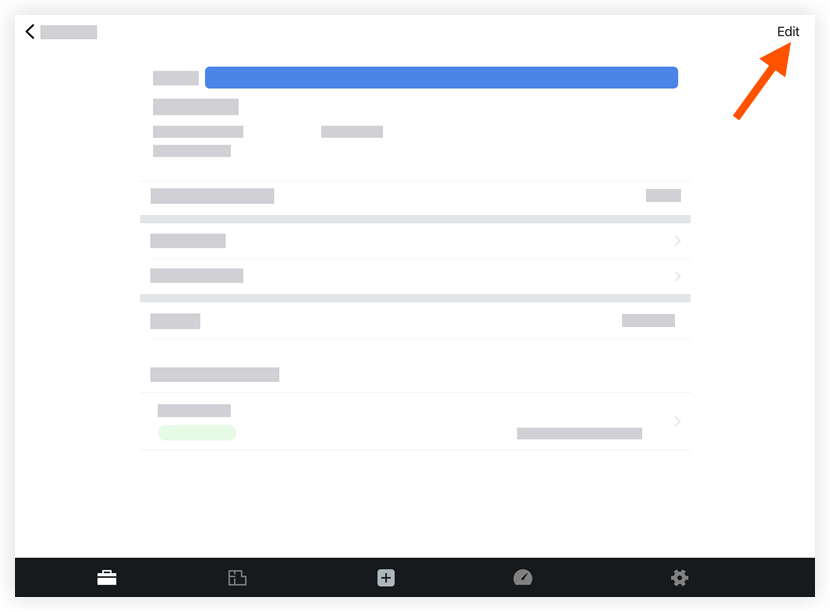
- フィールドをタップして、適切な情報を編集します。これらのフィールドの詳細については、「会議を作成 (iOS)」を参照してください。
- [保存] をタップします。
関連項目
If you would like to learn more about Procore's meeting minutes management software and how it can help your business, please visit our construction meeting minutes software product page  .
.
.