

タスクのステータスを変更する (iOS)
バックグラウンド
タスクのステータスは、 タスク ツールで編集中に変更できます。
注: タスクに関連付けられた作業が完了し、そのタスクを終了する場合は、[ 終了] ステータスを選択します。作業が不要になったためにタスクを完了せずに終了する場合は、[ 無効 ] ステータスを選択します。
考慮すべきこと
-
必須ユーザー権限:
-
「 タスク - ユーザー権限」を参照してください。
-
-
追加情報:
-
コメントを追加するときに、タスクのステータスを変更することもできます。
-
タスクが [無効] または [終了] ステータスになると、システムはそのタスクに関する自動電子メール通知を送信しなくなります。
-
ステップ
-
iOS 携帯機器で Procore アプリケーションを使用して、[ タスク] ツールに移動します。
-
ステータスを変更したいタスクをタップします。
-
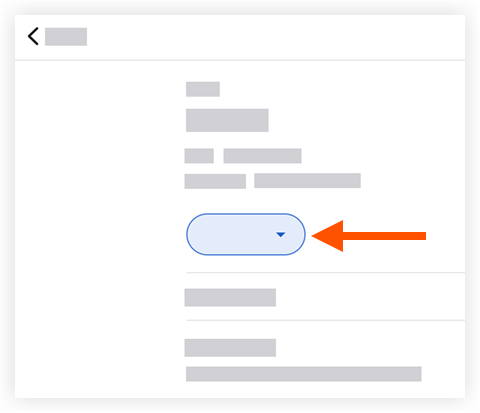
タスクの現在のステータスをタップします。
-
次のオプションの1つをタップします。
メモ:このアクションにより、タスク項目のステータスが自動的に更新されます。-
開始: タスクが作成されたことを示します。
-
処理中: タスクの作業が開始されたことを示します。
-
レビュー準備完了: タスクが完了し、レビューの準備ができていることを示します。
-
閉鎖: タスクと作業のレビューが正常に完了したことを示します。
-
無効: タスクが無効としてマークされていることを示します。
-