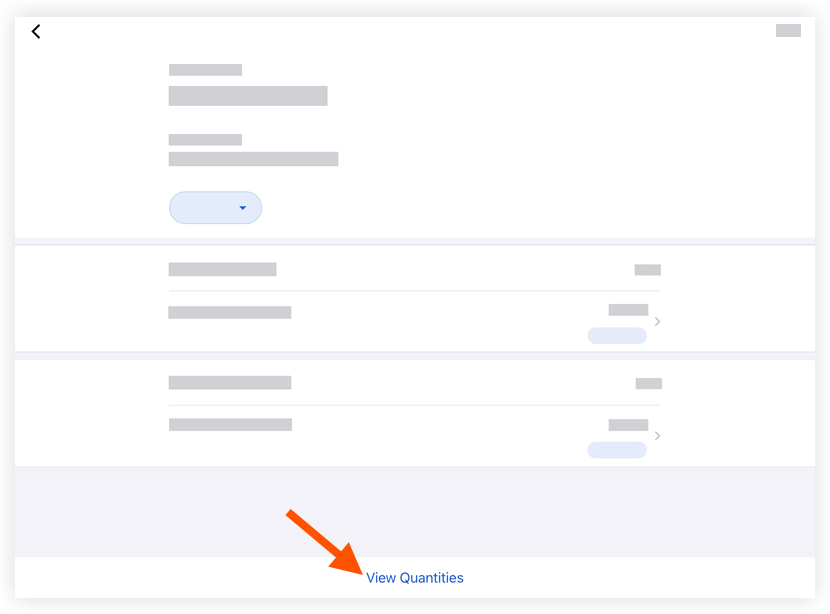
タイムシートで数量を表示 (iOS)
背景
生産量 は、建設プロジェクトにおける測定可能な作業量です。たとえば、1立方ヤードのコンクリート、照明器具の数、配管の直線フィートです。Procore には、次の 2 種類の生産量があります。
-
予算生産量 とは、チームがプロジェクトに導入する予定の測定可能な量を指します。
-
据付済み生産量 とは、ある時点までにプロジェクトに実際に据付済みの量を指します。
据付済み製品数量をタイムシートに入力した後、生産量レポートを使用して、インポートされた予算生産量に対して追跡できます。
考慮すべきこと
-
Procore [プロジェクト会計] を使用している顧客の場合、タイムシートに入力された数量が「Procore [労働生産性費用]」予算ビューと対話できるようにするオプションがあります。詳細については、「 Procore の労働生産性費用予算ビューを設定する」を参照してください。
-
プロジェクトでサブプロジェクトが有効になっている場合、数量を追加すると、「インストール済みユニット」エントリーに関連付けられたサブプロジェクトが表示されます。「 作業分解構成図のプロジェクトでサブプロジェクトを有効にする」を参照してください。
-
このアセットまたは案件は、以前に携帯機器上で表示およびキャッシュされた場合、オフライン モードで表示または編集できます。
前提 条件
ステップ
-
iOS 携帯機器上の Procore アプリケーションを使用して、プロジェクトの [タイムシート ] ツールに移動します。
-
表示したい数量を含む タイムシート をタップします。
-
[ 数量を表示] をタップします。