Add a Custom Project Role
Objective
To add custom project roles to the company's Admin tool for use on your company's Procore projects.
Things to Consider
- Required User Permissions:
- 'Admin' on the company's Admin tool.
- Additional Information:
- There is no limit to the number of project roles you can create.
- A project role can only be deleted when there are no users assigned to it. See Add the Project Team to the Project Home Page.
- You can also opt to include the project roles that you create in a custom Portfolio report. See Create Custom Portfolio Reports.
Background
Steps
- Navigate to the company's Admin tool.
- Under 'Project Settings', click Roles.
- Add roles as follows:
- Repeat the steps above to add additional roles.
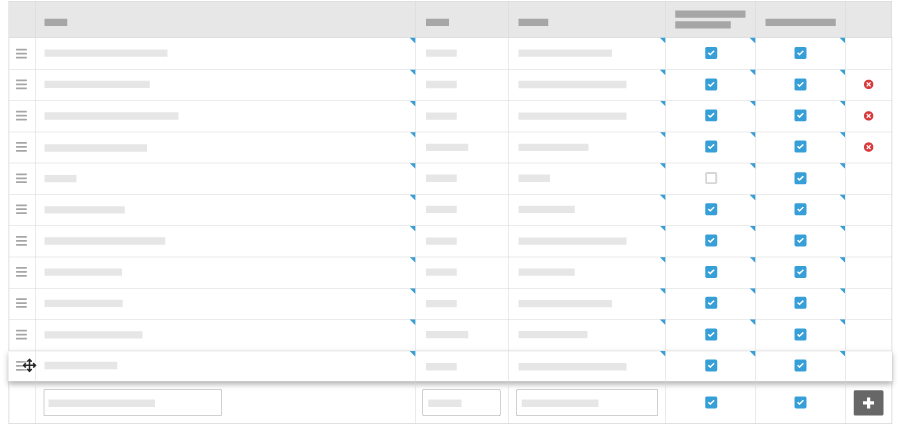
- Optional: If you want to rearrange roles, do the following:
- Click and drag over the 詳細メニュー (≡).
- Use a drag-and-drop operation to place the role in a new order.