メインコンテンツへスキップ
Procore

タイムシートで数量を表示 (iOS)

目的

iOS 携帯機器でタイムシートの数量を表示します。

背景

Production quantities are a measurable amount of work on a construction project. For example, cubic yards of concrete, number of light fixtures, or linear feet of piping. In Procore, there are two types of production quantities:

  • Budgeted production quantities refers to the measurable amount a team plans to install on a project.
  • Installed production quantities refers to the actual amount installed on a project by a point in time.

Use the steps below to enter installed production quantities on a timesheet. One entered, they can then be tracked against the imported budgeted production quantities using the Production Quantity Report.

考慮すべきこと

  • 必須ユーザー権限:
    • プロジェクトのタイムシート ツールの「読み取り専用」レベル以上の権限。
  • [追加情報]:
    • Procore [プロジェクト会計] を使用している顧客の場合、タイムシートに入力された数量が「Procore [労働生産性費用]」予算ビューと対話できるようにするオプションがあります。「Procore の労働生産性費用予算ビューを設定する」を参照する場合の詳細はこちら。
    • プロジェクトでサブプロジェクト機能が有効になっている場合 (「作業分解構成図のプロジェクトでサブプロジェクトを有効にする」を参照)、「インストール済みユニット」データに関連付けられた「サブプロジェクト」が [数量の追加] ウィンドウに表示されます。[サブプロジェクト] が無効になっている場合、「サブプロジェクト」フィールドには「なし」という単語が表示されます。
    • このアセットまたは案件は、以前に携帯機器上で表示およびキャッシュされた場合、オフライン モードで表示または編集できます。

ステップ

  1. iOS 携帯機器上の Procore アプリケーションを使用して、プロジェクトの [タイムシート] ツールに移動します。
  2. 表示したい数量を含むタイムシートをタップします。
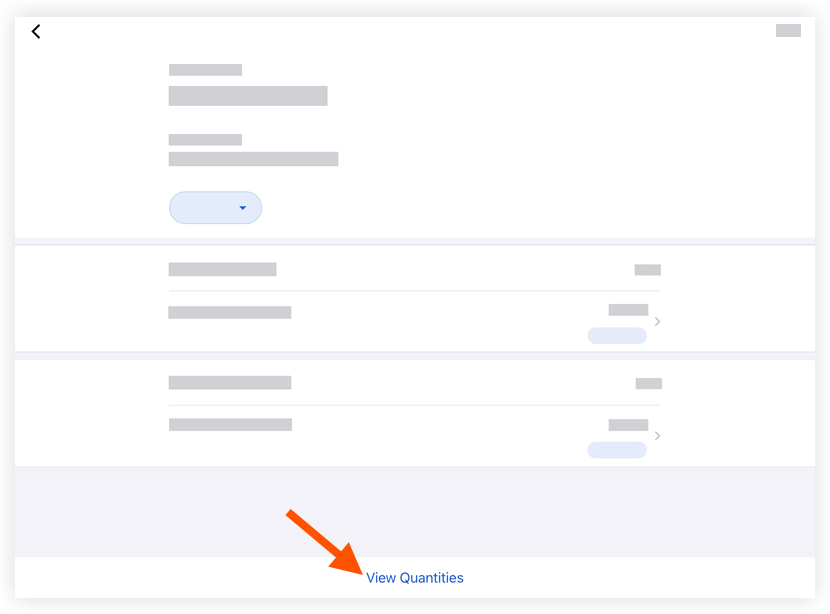
  3. [数量を表示] をタップします。

    timesheets-ios-view-timesheet-quantities.png


If you would like to learn more about Procore's timesheet management software and how it can help your business, please visit our construction timesheet software product page icon-external-link.png.