見積から元請契約を作成する
目的
Procore プロジェクトの見積から元請契約を作成すること。
考慮すべきこと
- 必要なユーザー権限
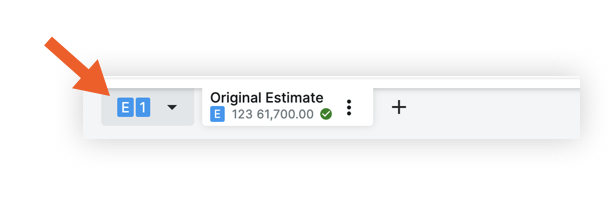
- 予算に見積を送信するには、チェックマーク
 アイコンで示されているように、見積を一次見積として設定する必要があります。
 - 元請契約を作成する前に、見積を予算に送信する必要があります。
注
プロセスの合理化、明確な説明責任、および潜在的な不一致や重複の防止を確実にするために、見積セクションは、作成された個別の見積ごとに単一の発注書(PO)と単一の元請契約を発行する権限を与えられています。
ステップス
- プロジェクトの 見積ツールに移動します 。
- [ 見積 ] タブをクリックします。
- 見積を選択します。
- 「アクション」 メニューをクリックします。

- [ 元請契約の作成] を選択します。
- グループ化と会計処理のオプションを選択します。
- データを確認します。
- [ 元請契約に送信する] をクリックします。
