タイムシートにリソースを追加する
目的
プロジェクトレベルのタイムシート ツールを使用して、従業員をタイムシートに追加すること。
背景
タイムシート ツールを使用すると、従業員、作業員、現場チームを毎日のタイムシートに追加できます。 これにより、チームは従業員のタイムカード データを作成できます。従業員をタイムシートに追加するには、その従業員をプロジェクト ディレクトリに従業員として追加する必要があります。 次に、以下の手順に従って、従業員をタイムシートに追加できます。
考慮すべきこと
前提条件
- 従業員がプロジェクト ディレクトリに Procore ユーザー アカウントを持っていることを確認します。 「プロジェクト ディレクトリにユーザー アカウントを追加する」を参照してください。
- これらのユーザーが会社の従業員としてマークされていることを確認します。 「会社の従業員として誰かを追加するにはどうすればよいですか?」を参照してください。
- タイムシートを作成する
ステップ
- プロジェクトの [タイムシート] ツールに移動します。
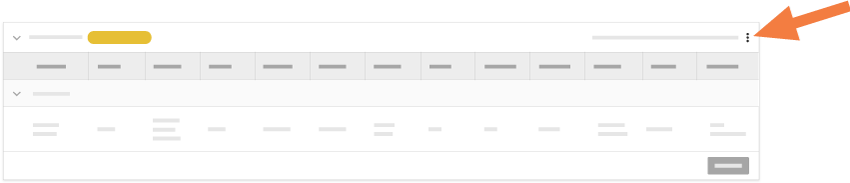
- 変更するタイムシートを見つけます。次に、タイムシートの右上にある垂直の省略記号
 をクリックし、ドロップダウン メニューから [従業員の追加] を選択します。
- [従業員を追加する] ウィンドウの左側のペインで、[すべての従業員] を強調表示します。
- 中央のペインで、次のオプションから選択します。
- 一覧表示されているすべての従業員を追加するには、[すべて選択] をクリックします。
- 特定の従業員を追加するには、タイムシートに追加する現場チーム員の横にあるチェックボックスをオンにします。

- [追加] をクリックします。
これにより、選択した従業員がタイムシートに追加されます。タイムシートの編集を続行できます。
次のステップ
関連項目
If you would like to learn more about Procore's timesheet management software and how it can help your business, please visit our construction timesheet software product page  .
.
.