Recent Changes
Equipment Maintenance Logs (08/19/2025)
Users track maintenance issues for their equipment, providing valuable insights into machine health and scheduling. Equipment Maintenance Logs allows for better coordination between the field, office, and maintenance teams, enhancing planning and decision-making. See Create a Maintenance Record.
Improved Project and Vendor Assignment (04/22/2025)
You can now bulk assign equipment to projects. The ‘Current Project' column has been updated to ‘Onsite’ and you can now mark single or multiple equipment records on site. Additionally, you can associate rented or subcontracted equipment with vendor in your Company level Directory. See Add Equipment to Projects and Edit Company Equipment.
Equipment Custom Statuses (04/22/2025)
Customers can define custom equipment statuses, enhancing workflow management for tasks such as maintenance, rentals, check-ins, check-outs, and equipment call-offs. Additionally, you can now edit the ‘Status' and ‘Onsite’ fields directly inline the Equipment registry. See Configure Custom Statuses for Equipment and and Edit Company Equipment.
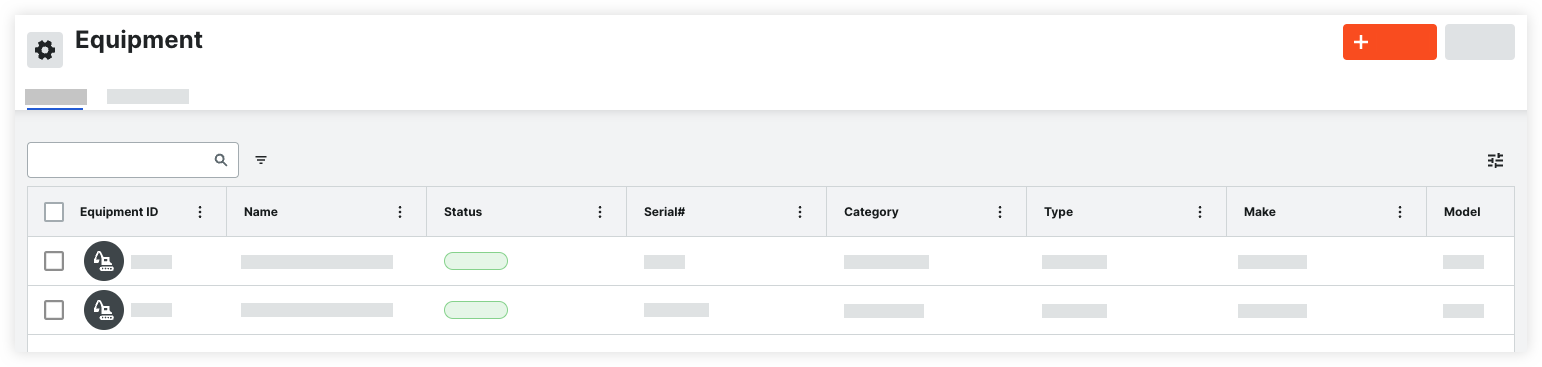
Procore's new Equipment tool ensures all machines are optimally used and effectively managed from arrival to departure. The Equipment tool enables you to build a registry of your company's owned or rented equipment for your job sites. When equipment is checked in or assigned to projects, it’s added to the Project's Equipment tool for use in Inspections, T&M Tickets, Timesheets, and the Budget. See Company Equipment to learn more.
Equipment Open Beta (10/14/2024)
Procore's new Equipment tool ensures all machines are optimally used and effectively managed from arrival to departure. The company's Equipment tool is a registry of your company's owned or rented equipment for your job sites. When equipment is assigned to projects, it will be added to the Project's Equipment tool where it can be used in Inspections, Timesheets, and your Budget. See Company Equipment to learn more.
The new Company Equipment tool is available to customers through a beta program. If you would like to participate in the beta, please reach out your Procore point of contact.
Legacy Content
Release notes for the legacy Equipment experience are available below.